

02 of 04 · Highlights · App
Cargo tracking
The shipper follows a vehicle or a shipment through five stages — received, loaded, sailed, arrived, released — with photographs from the ramp.
Needs: 3 things from Roble5 things it doesOne of the 7 that come with the app
Track a shipment
CGO-2291
GAB 47216-wheeler · 4.2 m · Cebu → Hilongos
Received at yardFri 4:12 PM
Cebu · bay 3
LoadedFri 8:31 PM
Deck 2 · photo taken
SailedFri 9:04 PM
MV Immaculate Stars
ArrivedSat 2:10 AM
Hilongos, expected
Released—
To the consignee, on presentation of the gate pass
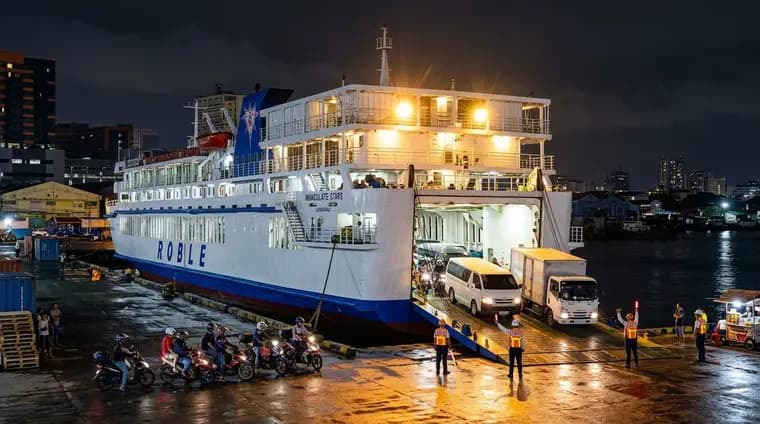
Plate history: 14 crossings with Roble since March.
Cargo tracking in full
Who it is for
Shippers and truck operators who telephone the office to ask where their vehicle is, and the freight desk that answers that question all day.
What it does
- Five plain stages with the time each one happened: received at the yard, loaded, sailed, arrived, released.
- Photographs taken at the ramp — the vehicle and its plate as it is loaded, and again as it is released.
- Plate history: every crossing that plate has made with Roble, with its dates and sailings.
- A tracking link the shipper can open without an account and forward to the consignee.
- The freight desk reads the same record, so “where is my cargo” is answered in one look.
How it works
- Yard and ramp staff move a booking from stage to stage on the app device; nothing is written down twice.
- The photograph is taken by the same device at the moment of the scan, so it carries the real time and the real plate.
- Optionally a plate-reading camera at the gate records every plate in and out and matches it to a booking on its own.
- The device keeps working with no signal and syncs when it is back in range, so a berth with no coverage does not stop the record.
What it needs
- Status updates from yard and ramp staff — the app makes that a scan, not paperwork
- The app on the ramp and yard devices
- Optional: a plate-reading (ANPR) camera at the yard gate and ramp